Publish a roster
Goal
Turn a locked allocation run into a published roster that people can see — publish it, then approve it (single-step).
Who can do this
- Publish:
roster.publish— Planner, Manager, or System Administrator. - Approve:
roster.approve— Manager or System Administrator.
Before you start
- A run in Locked state (see Review & lock a run).
Steps
- From Publish Roster (
/admin/roster/publish), publish the locked run. This creates a published roster in Pending approval and materialises its lines. - Go to Roster Approvals (
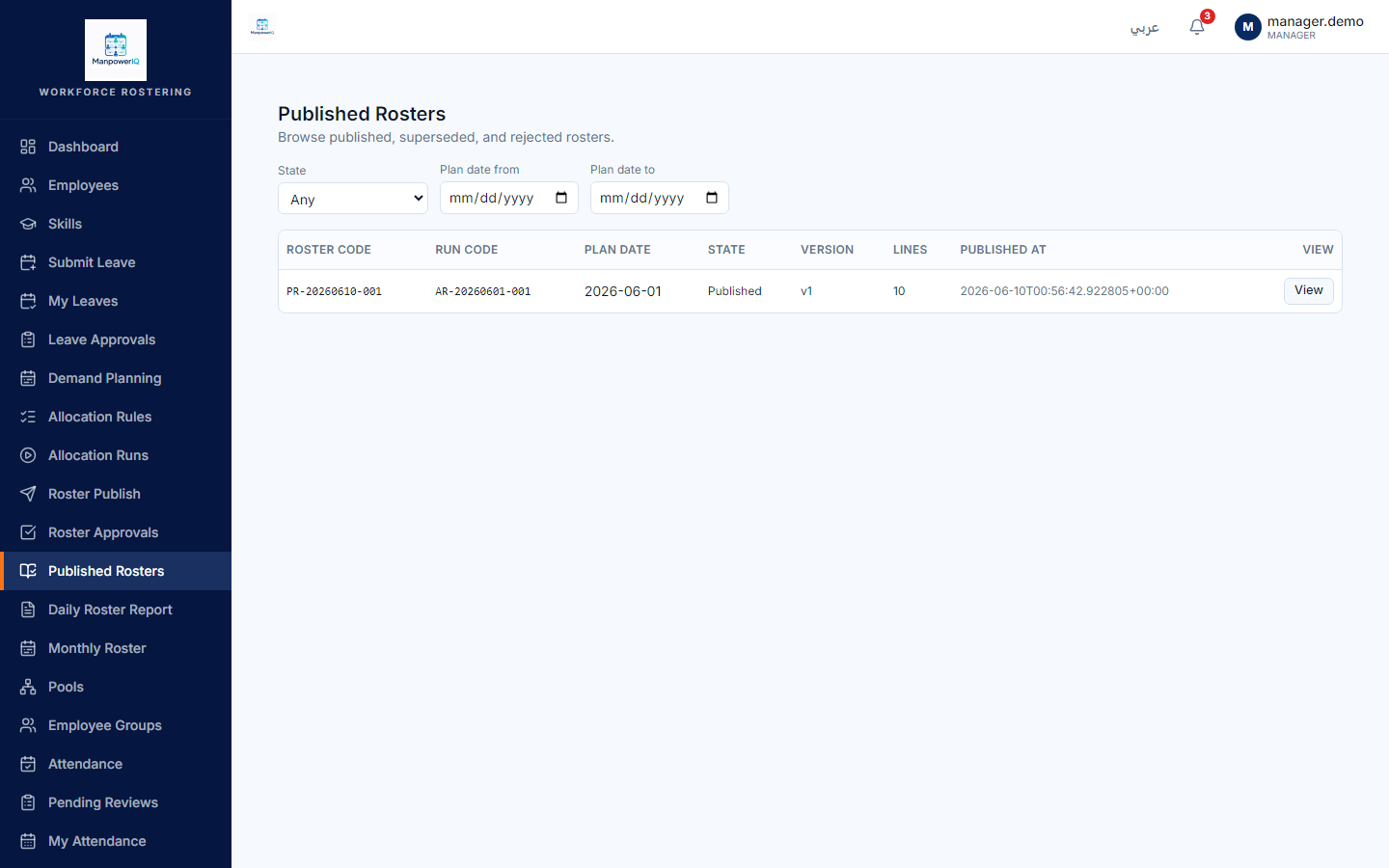
/admin/roster/approvals) and approve it (single step) — the roster becomes Published. (Rejecting sends it back.) - Browse it under Published Rosters (
/admin/roster/published).
What the system does
Publishing snapshots the locked run's selected candidates into an immutable published roster. Approval is single-step in v1 — there's no multi-level approval chain yet. Three different states, never conflate them: demand-plan Locked (a defined status with no current runtime path), allocation-run Locked, and roster Published — they live on three different things. See Rosters & allocation runs.
What can block you
- Publish requires a Locked run — a Computed/Reviewed run is refused (400).
- One published roster per plan — republishing supersedes the previous version (it doesn't duplicate).
- Publishing does NOT lock the demand plan. Don't expect the plan's status to change — it doesn't (finding F1).