Shifts & calendars
What it is
This is the working-time foundation: the calendars that say which days are working days, the holidays and seasonal hour changes that adjust them, and the shifts — shift types, templates, and repeating patterns — that say who works when. A resolver ties it together to answer "what is this person working on this date?"
Why it exists
Rostering needs a precise model of time. Weekends differ by site, holidays land on particular dates, Ramadan and summer change the length of a working day, and people follow repeating shift cycles. Capturing all of that once, correctly, lets every other feature — demand, allocation, attendance — reason about schedules consistently.
Key concepts & terms
- Business-unit calendar — the standard working hours per day/week and the country for a BU.
- Weekend days — which days are weekends. A terminal can override the BU's weekends, and when it does, its set replaces the BU's (not merged).
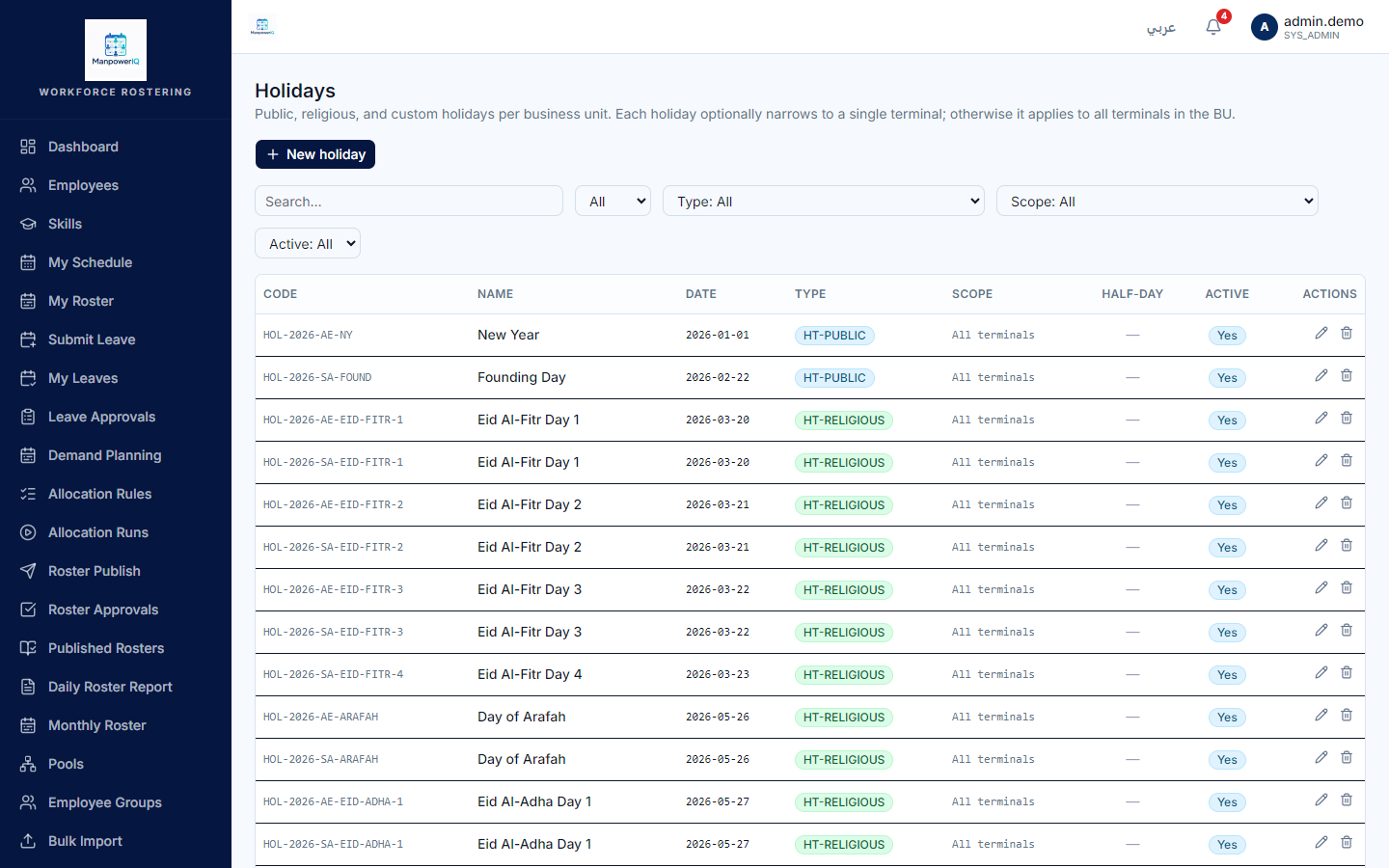
- Holiday — a non-working date (BU-wide or per-terminal), optionally a half-day.
- Working-hour modifier period — a date range (Ramadan, summer) that changes the hours-per-day, e.g. 6 instead of 8.
- Shift type — a category such as Day or Night.
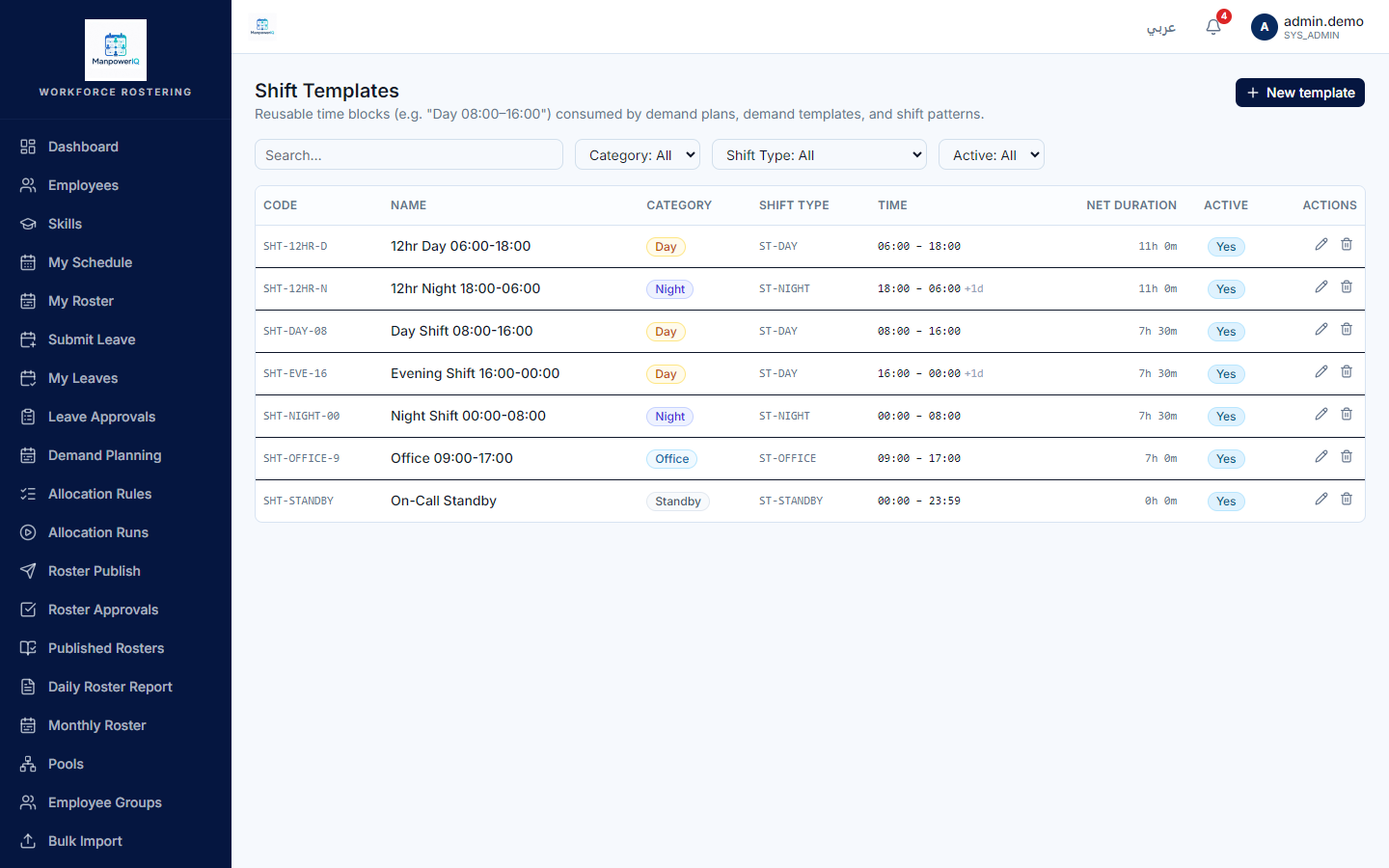
- Shift template — a concrete time block (e.g. 08:00–16:00) with breaks.
- Shift pattern — a repeating cycle of N days, where each day is either a template or a rest day.
- Employee shift assignment — links an employee to a pattern over an effective date range.
- Anchor date — day 1 of a pattern's cycle (an assignment can override it per employee).
How it works
Shifts are built bottom-up: a shift type categorises a shift template (a real start/end time with breaks); templates are arranged into a shift pattern — a cycle of N days where each slot is a template or a rest day; and an employee shift assignment links a person to a pattern for a date range.
On top of that sits the calendar. A business unit has standard hours and weekend days; a terminal may fully override the weekends. Holidays mark dates as non-working. Working-hour modifier periods (Ramadan, summer) change how many hours a day is worth — importantly, they do not move, add, or skip dates; they only swap the hours-per-day figure.
To answer "what is this person working on date X", the resolver finds the active assignment, maps X onto a cycle day by counting from the anchor date, reads that day's template (or treats it as a rest day), and overlays the calendar — is X a holiday? a weekend? what are the effective hours? It does this in bulk so team and month views stay fast.
Rules & what's enforced
- Weekend precedence: if a terminal defines any weekend days, they replace the BU's entirely.
- Effective hours for a date: a matching modifier period wins; otherwise the BU standard hours; otherwise a fallback of 8.
- Rest day = a pattern day with no template (or a date with no active assignment).
- Assigning a shift validates the date range and the employee/pattern, and applies the certification gate: if the work requires a certification the employee lacks, the assignment is blocked unless a planner overrides it with a recorded reason.
- Day-of-week numbering follows the database convention (0 = Sunday … 6 = Saturday).
What's live vs planned
- Live: business-unit calendars and weekends (with terminal override), holidays, working-hour modifier periods, employee shift assignments (create/delete), the shift resolver, and shift metrics.
- Read-only (no create/edit screen): shift types, templates, and patterns, and the holiday list — these are managed via seed/configuration today, not an in-app editor. Employee assignments, by contrast, do have create/delete.
A working-hour modifier changes the length of a day, never which days exist. And a shift pattern day with no template is a deliberate rest day, not missing data.
Related
- Employees & skills — who gets assigned.
- Certifications — the requirement enforced when a shift is assigned.
- Demand, Allocation rules, and Rosters & allocation runs — how assignments become a planned roster.